
Reports
Reports are generated from Cucumber JSON output after run completion.
Workflow context
Section titled “Workflow context”Reports are the shortest route from a finished run to a useful debugging decision. Start here before you open raw logs or traces.
Do this
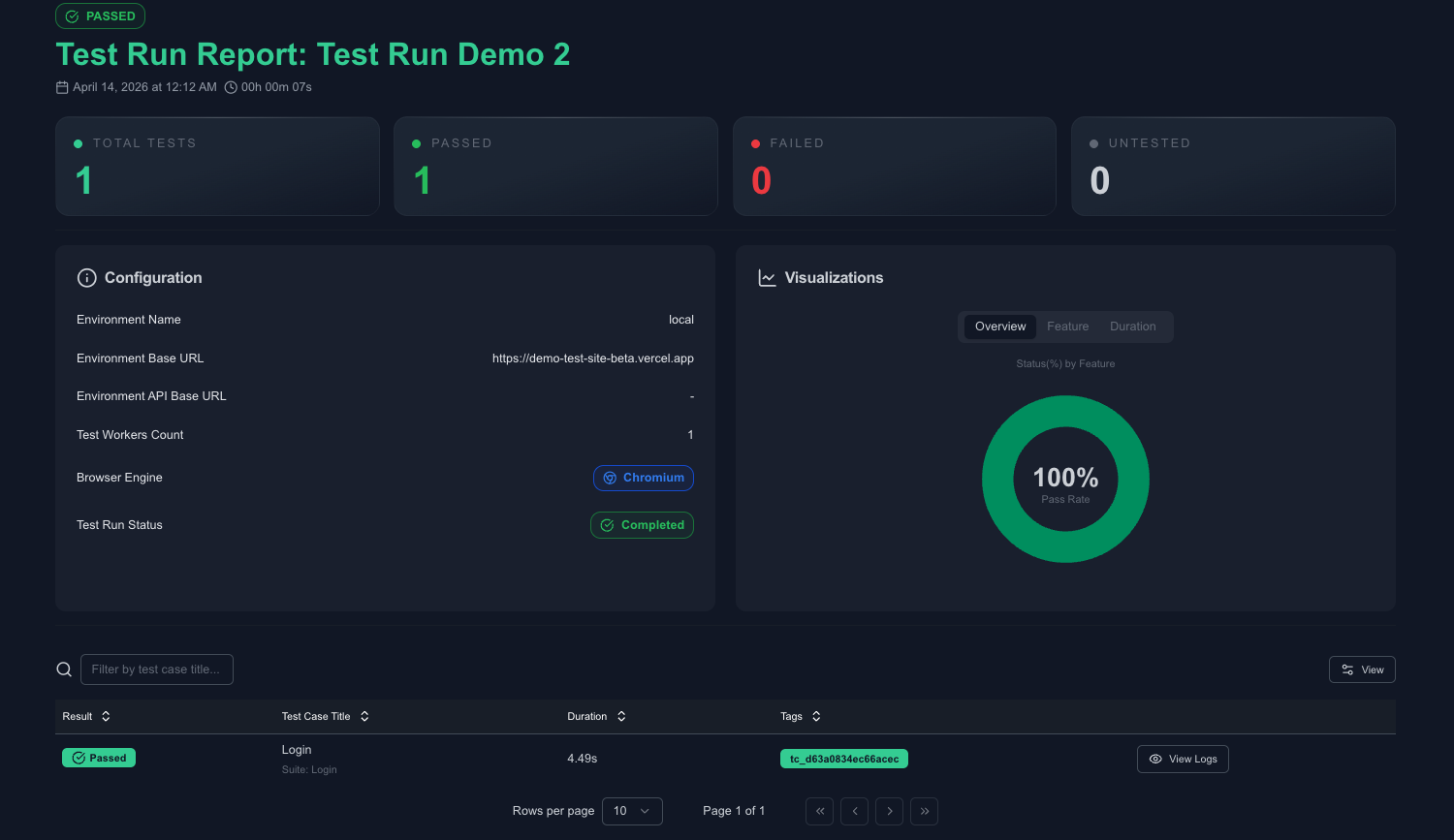
Section titled “Do this”Reportslist page: run-level summary table.- Report detail page: pass/fail totals, environment details, scenario-level breakdown.
- Metric report:
/reports/test-cases - Metric report:
/reports/test-suites
Below is a screenshot of the reports summary screen.
Minimal example
Section titled “Minimal example”- Open the newest failed report.
- Read summary totals and scenario rows.
- Open logs or traces only for the failed scenario that still looks ambiguous.
What good looks like
Section titled “What good looks like”- Start from failed report rows.
- Drill into scenario/step details.
- Open run logs and Playwright traces for root-cause analysis.